
ChordPro is a plain-text markup format for lyrics with inline chords. You write it in any basic text editor, and it looks close to the lyric sheet already taped to your music stand, just with a few extra symbols doing the heavy lifting.
Three rules get you writing usable files today. First, put chords in square brackets immediately before the syllable they belong to, like [G]Amazing grace. Second, keep directives, the metadata and structure commands, in curly braces on their own lines, separate from lyrics. Third, save new files with a .cho extension and UTF-8 encoding so they open cleanly everywhere.
- Chords go in
[brackets], right before the syllable - Directives go in
{curly braces}, alone on their own line - New files should use
.choand UTF-8 encoding
Pro Tip: ChordPro was built to be processor-agnostic. The same .cho file can be opened, transposed, and displayed by different apps because the format itself carries no formatting instructions, just structured text.
Key Takeaways
ChordPro works because it separates lyrics, chords, and metadata into plain text that any compatible renderer can read, transpose, and display consistently.
| Point | Details |
|---|---|
| Bracket placement is the rule | Put [chords] immediately before the syllable so alignment survives transposition. |
| Directives stay on their own lines | Use {curly braces} for metadata and section commands, never mixed into lyrics. |
Save as .cho in UTF-8 | The official spec recommends .cho and UTF-8 encoding for new files. |
| Test before you trust a file | Advanced directives like {define} render differently across apps, so preview first. |
| Song7 imports ChordPro directly | Metadata like {key:} and {capo:} power instant transposition and presenter-ready setlists. |
Table of Contents
- File Structure: Song Lines, Chord Placement, Annotations, and Comments
- Directives: Metadata, Sections, and Common Commands
- How Do You Write Chord Names and Custom Diagrams?
- What File Extension Should You Use for ChordPro?
- A Minimal Working ChordPro Example You Can Copy
- Where to Process, View, and Import ChordPro Files
- Practical Perspective: Small Rules for Team-Friendly Files
- Try Importing a ChordPro File Into Song7
- Sources
- FAQ
File Structure: Song Lines, Chord Placement, Annotations, and Comments
A ChordPro file has exactly two kinds of lines. Lines starting with { are directives; everything else is lyric content, which may or may not have chords woven through it. That's the whole grammar.
The chord placement rule matters more than it looks. Because a chord sits in square brackets directly before the syllable it applies to, the relationship between chord and word never breaks, even when you transpose the song or the renderer switches fonts. Compare that to a PDF chart, where the chord floats above a fixed x-position and shifts out of place the moment text reflows.
Two more pieces round out the basics:
- Annotations use
[*like this]to insert a note above the lyric line, useful for cues like "hold" or "key change" without implying a chord. - Comments start with
#and are ignored entirely by renderers, handy for leaving notes to your team inside the file itself. - Blank lines separate verses, choruses, and other blocks visually.
Here's a single annotated line:
[G]Amazing [C]grace, how [G]sweet the [D]sound
A renderer reads that line, strips the brackets, aligns each chord above its syllable, and prints the result. Nothing more mysterious than that.
Pro Tip: Type your lyrics first, then go back and insert chord brackets. Trying to do both at once is how volunteers end up with chords one syllable off, a small mistake that becomes obvious the second someone tries to play from it live.
Directives: Metadata, Sections, and Common Commands
A directive looks like {name: value} and always sits alone on its own line, never mixed into a lyric. That separation is what lets a parser tell structure apart from content without guessing.
Metadata directives at the top of a file do more work than they seem to. Tags like {title:}, {artist:}, {key:}, {tempo:}, and {capo:} turn a flat text file into something searchable and sortable inside a library tool, rather than just a printable page. Standard metadata tags also make bulk imports far more reliable, since importing software can read {key: G} instead of guessing the key from context.
Section directives control structure. {start_of_chorus} and {end_of_chorus} wrap a block so renderers can style it differently, {start_of_verse} does the same for verses, and {start_of_tab} preserves guitar tablature spacing that would otherwise collapse.
| Directive | Purpose |
|---|---|
{title:} | Sets the song title, shown in headers and library listings |
{key:} | Records the original key for transposition and search |
{capo:} | Notes capo position for guitarists |
{start_of_chorus} / {end_of_chorus} | Marks a chorus block for distinct formatting |
{new_page} | Suggests a page break to the formatter |
Output directives like {new_page}, {columns}, and {pagetype} shape printed layout, though behavior varies by formatter, since these are suggestions to the renderer, not guaranteed instructions.
- Use long-form names (
{title:}) over short ones ({t:}) whenever a file might travel between teams or apps. - Group all metadata directives at the top of the file, before the first lyric line.
Pro Tip: If your volunteer team shares files across three different apps, long-form directives are the difference between a file that opens correctly everywhere and one that only works on the app that wrote it.
How Do You Write Chord Names and Custom Diagrams?
Inside the brackets goes a chord label, and standard naming beats invention every time. C, Gmaj7, D/F#, Bm7 all parse correctly across virtually any tool; a made-up shorthand your bassist understands might not survive an import into someone else's app.
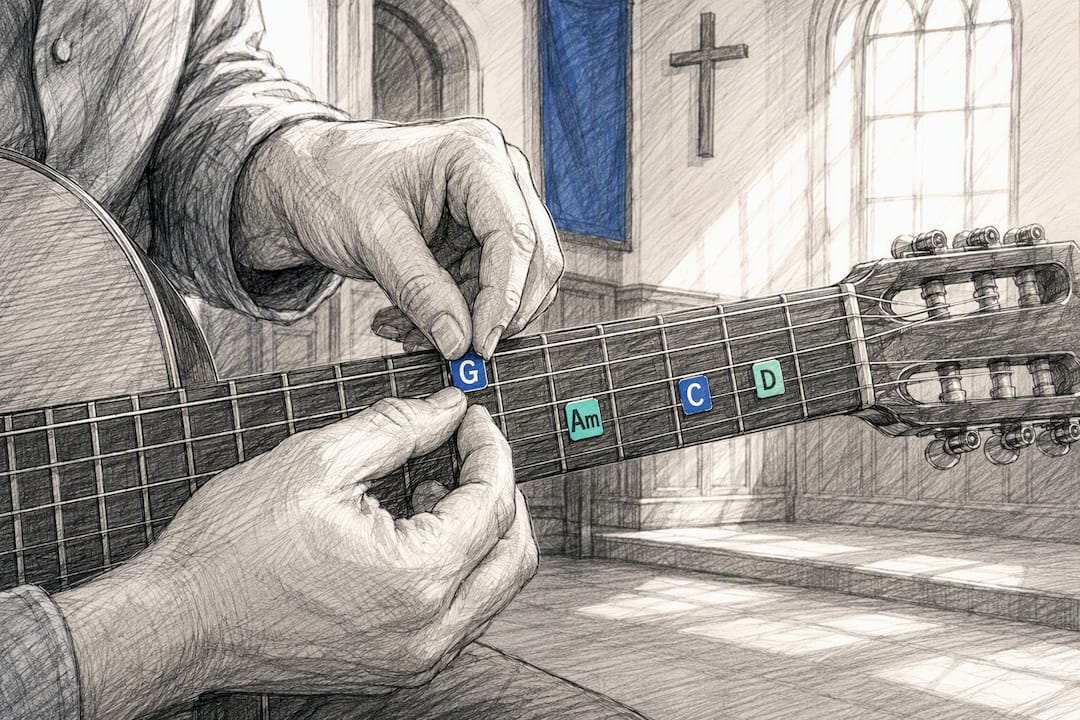
Custom voicings need a {define} directive, which tells a renderer exactly how to draw a diagram for a chord it doesn't recognize by default, string by string, fret by fret. Most presentation apps will only show a fingering chart when a chord has either a standard name in their built-in library or an explicit {define} line supplying the shape.
Annotations, written as [*like this], sit apart from chords entirely. A processor typically renders them just above the lyric line in a different style, since they're notes for the performer rather than instructions for a chord diagram.
- Stick to conventional chord names (
Em,Asus4,F#dim) for maximum portability - Add
{define}only for voicings your library doesn't already recognize - Reserve
[*annotations]for performance cues, not chord data
Pro Tip: Because inline placement ties the chord to its exact syllable, transposition just shifts every bracket's letter, nothing else moves. Still, run a quick transpose test on any file before you rely on it during a live set. Some renderers handle slash chords and rare voicings differently.
What File Extension Should You Use for ChordPro?
You'll see .cho, .crd, .chopro, .chord, and .pro in the wild, all functionally the same plain text underneath. The official documentation recommends .cho for new files, mostly because it's the extension most current tools expect by default.
Encoding matters more than people assume. Save in UTF-8 whenever possible; ASCII and ISO 8859.1 still work for legacy files but risk mangling accented characters in a song title or lyric.
- Use
.chofor anything new you're creating - Save with UTF-8 encoding by default
- End a line with a backslash (
\) to continue text onto the next line without breaking a lyric phrase
Pro Tip: A directive is a suggestion to the formatter, not a locked layout rule. {new_page} might insert a clean break in one renderer and get ignored in another, so always preview before printing for the whole team.
A Minimal Working ChordPro Example You Can Copy
Here's a complete, small file you can paste directly into a text editor and test:
{title: Simple Praise}
{artist: Traditional}
{key: G}
{capo: 0}

{start_of_verse}
[G]Come, now is the [C]time to [G]worship
[G]Come, now is the [D]time to [G]give your heart
{end_of_verse}

{start_of_chorus}
[C]I will bow [G]down
[D]Here I am, [G]humbled
{end_of_chorus}

# Optional custom voicing for a capo-free open chord
{define: G base-fret 1 frets 3 2 0 0 0 3}
Each preamble line sets metadata a library app can read instantly. The verse and chorus blocks stay visually distinct thanks to their start/end pairing, and the {define} line shows a renderer exactly how to draw that G voicing if it doesn't already know it.
Run three checks after pasting this into any tool: open it and confirm the lyrics and chords line up, transpose it up a step and confirm the brackets update, then check whether a chord diagram appears for the defined voicing.
Where to Process, View, and Import ChordPro Files
The official ChordPro project maintains both the specification and a reference command-line processor, and Chordii remains the historical renderer many other tools still measure themselves against for PDF output and layout behavior.
Beyond those reference tools, four broad categories accept ChordPro files: desktop chord-chart renderers, web-based viewers for quick previews, tablet presentation apps built for stage use, and setlist managers, which is where Song7 fits, using directive metadata to power search, instant transposition, and presentation mode.
- Desktop renderers for print-ready PDF output
- Web viewers for quick, no-install previews
- Tablet presentation apps for stage displays
- Setlist managers that import
.chofiles and sync metadata across a team
Pro Tip: Different processors handle advanced directives differently, particularly custom tabs and diagrams, so test every new file in the app your team actually uses live, not just the one you wrote it in.
Practical Perspective: Small Rules for Team-Friendly Files
The biggest failure mode we see isn't bad chords, it's inconsistency across a shared library. Three habits fix most of it: use long-form directives everywhere, since {title:} reads clearly to any volunteer while {t:} requires memorization; standardize chord naming and skip proprietary extensions unless the whole team's apps support them; and keep files short, with a comment line noting who last edited a chart and why. None of this is glamorous. All of it is what keeps a fifty-song library usable two years from now instead of a folder of mystery files nobody trusts.
Try Importing a ChordPro File Into Song7
Song7 reads ChordPro files directly, and it puts those {title:}, {key:}, and {capo:} directives to work the moment you import. Metadata that once just sat in a text file becomes searchable, transposable, and stage-ready without retyping a single chord.

If your library is a folder of .cho files scattered across old laptops and email attachments, importing one into Song7 shows the difference fast: instant transposition, presenter-ready formatting, and a chart your whole team can pull up from a synced setlist rather than a shared drive. If you'd rather sell finished charts as printable songbooks, a service like Payhip handles that side of distribution well. For running live worship sets, try importing your first .cho file into Song7 and see how quickly a plain-text chart turns into something your whole team can follow from the stage.
Sources
FAQ
What Is the ChordPro File Format?
ChordPro is a plain-text markup format that places chords in square brackets directly before the lyric syllable they belong to, with metadata and structure handled through curly-brace directives on separate lines.
How Can I Convert a PDF File to ChordPro?
There's no reliable automatic converter for this, since a PDF has no structured chord or lyric data to extract, so most people retype the song into a .cho file by hand or use an app that supports photo/text import, like Song7, to speed up the process.
What Are Annotations in ChordPro?
Annotations use the syntax [*like this] to add a performance note above a lyric line, distinct from a chord, and most renderers display them in a different style so they don't get confused with actual chord data.
What Are ChordPro Downloads?
ChordPro downloads typically refer to .cho (or .crd, .chopro, .chord, .pro) song files you can save, share, or import into a compatible renderer or setlist app, along with the free reference processor available from the official ChordPro project.